
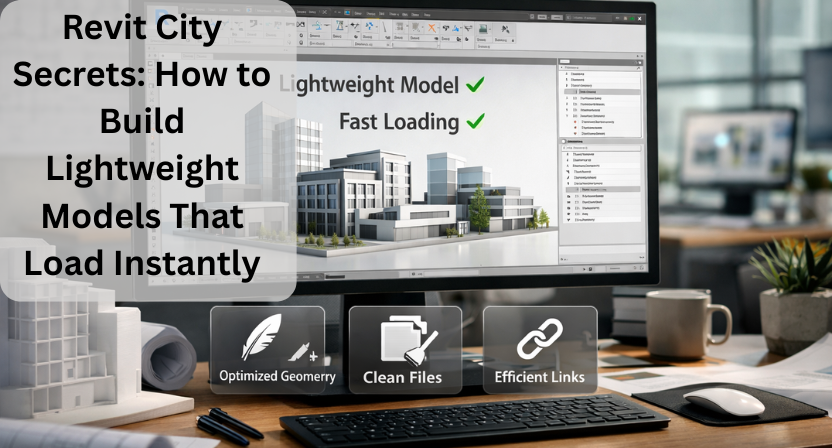
If you’re an architect, engineer, or BIM professional, you know the frustration of working with heavy Revit models. Large files can slow down your workflow, delay project delivery, and even crash your system. Luckily, Revit City offers a treasure trove of tools and techniques to keep your models lightweight, efficient, and fast-loading.
In this guide, we’ll explore practical strategies to optimize your Revit models without losing critical detail.
1. Use Lightweight Families from Revit City
One of the easiest ways to reduce model size is by using lightweight families. Instead of creating detailed custom components, browse Revit City’s extensive library for pre-built families that are optimized for performance.
- Tip: Look for families labeled “lightweight” or “optimized” in Revit City.
- Benefit: Less geometry means faster model loading and smoother navigation.
2. Purge Unused Elements
Over time, Revit files can accumulate unused families, materials, and views. Regularly running the “Purge Unused” command can remove these unnecessary items.
- Pro tip: Purge after major project milestones to maintain performance.
- Why it helps: Smaller file size = faster open times and better collaboration.
3. Limit Linked Models
Linking multiple models can be helpful for coordination, but too many links can weigh down your project. Consider:
- Only linking necessary models.
- Using lightweight versions of linked models.
- Breaking down large projects into smaller, manageable Revit files.
This ensures your main project remains fast and responsive.
4. Optimize View Templates and Worksets
Complex views with high detail settings can slow down Revit significantly. Using view templates and worksets wisely can:
- Reduce unnecessary geometry visibility.
- Control which elements load in each view.
- Maintain performance while keeping essential details.
5. Avoid Overly Detailed Geometry
While it’s tempting to add every detail, excessive geometry can hurt performance. Instead:
- Use simplified versions of complex elements.
- Replace detailed models with symbolic representations for distant or repeated objects.
- Leverage Revit City’s optimized families wherever possible.
6. Regular Maintenance Is Key
Finally, lightweight modeling isn’t a one-time effort, it’s ongoing. Regularly:
- Audit your Revit file for oversized families or unnecessary elements.
- Compress and backup models efficiently.
- Encourage team members to follow consistent modeling standards.
Conclusion
Working with Revit City doesn’t have to mean slow, bloated models. By leveraging lightweight families, purging unused elements, managing linked models, and optimizing views, you can ensure your Revit projects load instantly and keep your workflow smooth.
At Qaxles Technologies, we help engineering and architectural teams optimize their BIM models and workflows, ensuring faster project delivery without compromising on detail or accuracy. Whether it’s lightweight modeling tips or full-scale Revit support, our expertise can help your team work smarter, not harder.