
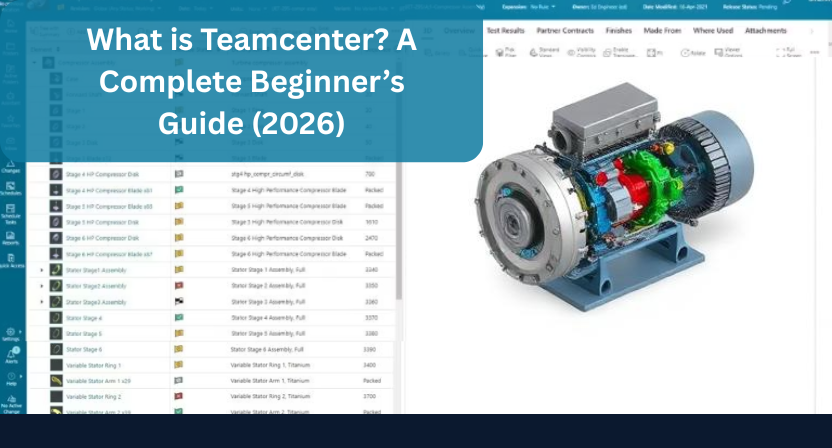
In today’s fast-moving engineering world, managing product data is no longer simple. Files are scattered across systems, teams work in silos, and version confusion becomes a daily headache. If you’ve ever struggled to find the “latest” CAD file or track design changes, you’re not alone.
This is exactly where Teamcenter comes in.
Let’s break it down in a simple, practical way no jargon, just clarity.
What is Teamcenter?
Teamcenter is a Product Lifecycle Management (PLM) software developed by Siemens. In simple terms, it acts as a central hub where all your product-related data, processes, and people come together.
Instead of storing files in different folders, emails, or tools, Teamcenter keeps everything organized in one place from initial design to final production.
Think of it as the backbone of your engineering operations.
Why Do Companies Use Teamcenter?
As companies grow, so does the complexity of their product data. Without a proper system, this leads to:
- Duplicate files
- Version mismatches
- Poor collaboration between teams
- Delays in product development
Teamcenter solves these problems by bringing structure, control, and visibility into your workflow.
It ensures that:
- Everyone works on the latest version
- Changes are tracked and approved
- Teams can collaborate seamlessly, even across locations
Key Features of Teamcenter
What makes it powerful is its wide range of capabilities. Here are the core features that most businesses rely on:
1. Centralized Data Management
All product data CAD files, documents, BOMs stored in one secure system.
2. BOM (Bill of Materials) Management
Easily manage and track product structures without confusion.
3. Workflow Automation
Automate approval processes and reduce manual effort.
4. Multi-CAD Integration
Works with tools like NX, SolidWorks, CATIA, and more.
5. Change Management
Track every modification with full history and control.
Benefits of Using Teamcenter
When implemented correctly, it delivers real business impact:
- Faster Product Development
Reduce delays caused by data confusion. - Fewer Design Errors
Work on the right version every time. - Better Team Collaboration
Engineering, manufacturing, and management stay aligned. - Improved Decision-Making
Access accurate, real-time data whenever needed.
Who Uses Teamcenter?
It is widely used across industries where product complexity is high:
- Automotive
- Aerospace
- Industrial machinery
- Consumer products
If your business deals with engineering design, manufacturing, or product development, it can be a game-changer.
How Teamcenter Works (Simple Flow)
Here’s a simplified way to understand how it fits into your workflow:
- Design created in CAD
- Data uploaded to Teamcenter
- Files organized and version-controlled
- Teams collaborate and review
- Final design released for production
Everything happens within a structured and controlled environment.
Teamcenter vs Traditional Data Management
Many companies still rely on shared drives or basic tools. The difference is significant:
| Traditional Approach | Teamcenter Approach |
|---|---|
| Scattered files | Centralized system |
| Manual tracking | Automated workflows |
| Version confusion | Version control |
| Limited collaboration | Real-time collaboration |
This shift is what enables companies to scale efficiently.
Challenges in Implementing Teamcenter
Let’s be honest, it is powerful, but it’s not plug-and-play.
Common challenges include:
- Initial setup complexity
- Data migration from legacy systems
- Integration with existing tools
- User adoption and training
This is where many companies struggle not because of the tool, but because of how it’s implemented.
How to Get Started with Teamcenter
A successful Teamcenter journey requires the right strategy:
- Clear understanding of your workflows
- Proper data structuring
- Seamless CAD integration
- Well-defined processes
And most importantly the right implementation partner.
Where Qaxles Technologies Fits In
At Qaxles Technologies, we’ve seen a common pattern: companies invest in powerful tools like it but don’t fully utilize them.
That’s where we step in.
We support engineering teams with:
- Teamcenter implementation support
- CAD & PLM data management
- Data migration and structuring
- Workflow optimization
Our focus is simple, help you reduce complexity and get real value from your PLM system.
We’re already working as a trusted engineering partner for multiple companies globally, helping them streamline their product data and workflows.
Conclusion
Teamcenter is more than just software, it’s a foundation for efficient product development.
If your team is struggling with data chaos, missed revisions, or slow collaboration, it might be time to rethink your approach.
Need Help with Teamcenter?
If you’re exploring Teamcenter or facing challenges in implementation:
Qaxles Technologies can help you simplify the process and make it work for your business.
Feel free to reach out for a free consultation, sometimes, a small change in how you manage data can create a big impact on your entire engineering workflow.